Longwood University


Instagram Stickers

Download Sticker
Download Sticker
Download Sticker
Download Sticker
Download Sticker
Download Sticker
Download Sticker
Download Sticker
LinkedIn Cover Image

Download Linkedin Cover
Lorem ipsum dolor
Facebook/Instagram Post  

Download
Download
Download
Download
Download
Download
Lorem ipsum dolor
Lorem ipsum dolor
Facebook/Instagram Story  

Download
Download
Download
Download
Download
Download
Lorem ipsum dolor
Lorem ipsum dolor
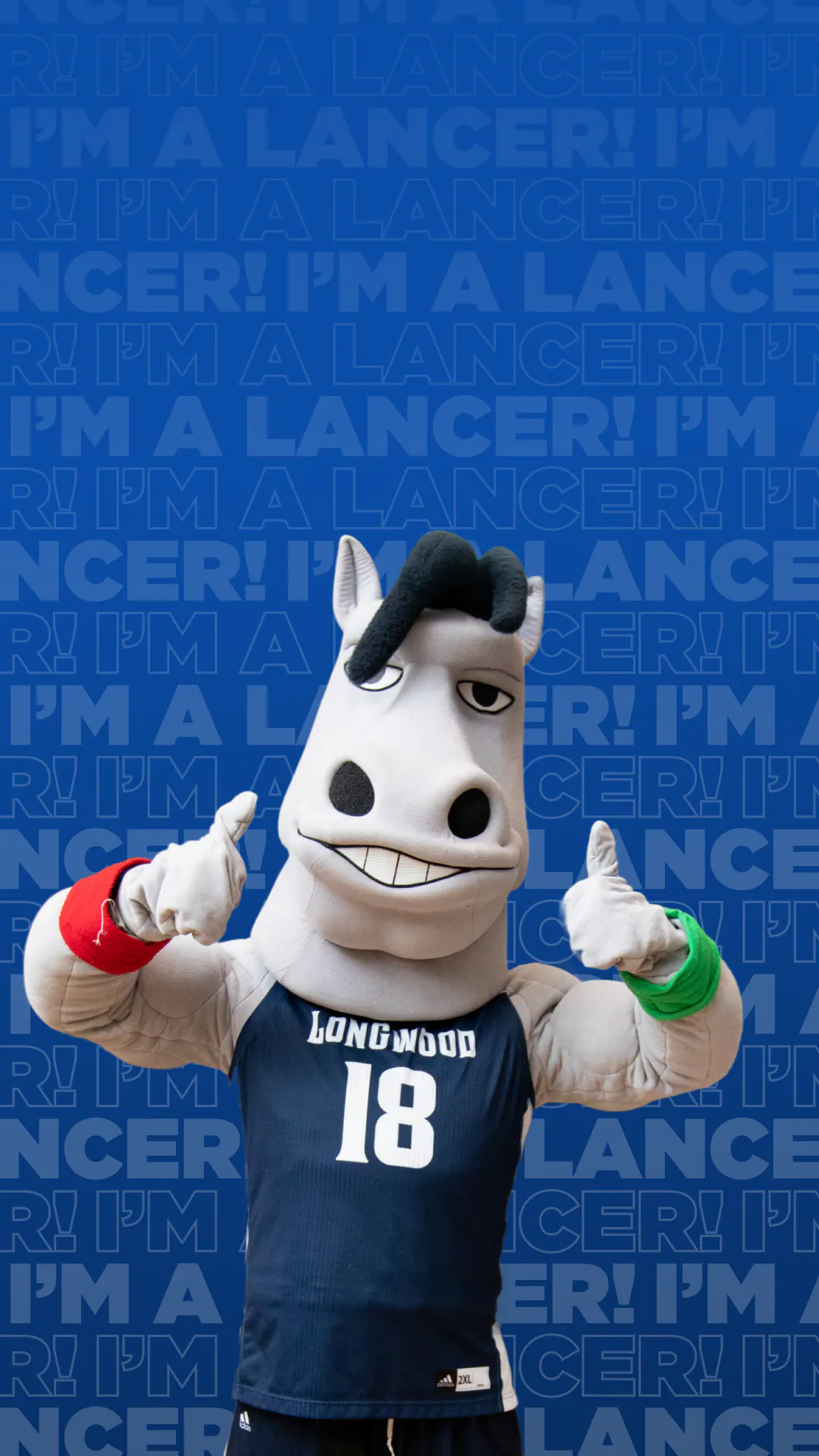
Phone Wallpaper

Download Phone Wallpaper
Lorem ipsum dolor
Lorem ipsum dolor

Upload a clear selfie, then copy and paste this:

Create a cinematic, stylized digital illustration of me as a Longwood University student. I am standing proudly in front of the historic Longwood Rotunda during the “golden hour” sunset. I am wearing a high-quality dark blue and white Longwood hoodie with the Lancer logo. The lighting is warm and celebratory, with soft blue and white string lights or banners in the background. The mood is hopeful, confident, and exciting. High resolution, vibrant colors, 8k, modern 3D animation style.

Create a cinematic digital illustration of a college student with [gender, hair color, expression, etc]. The student is standing solo in front of the Longwood University Rotunda at sunset. They are wearing a Longwood University blue and white varsity jacket. In their hand, they are holding a rolled-up “Class of 2030” acceptance scroll. The background features the beautiful green space of the campus with blue and white school spirit banners. The atmosphere is inspiring and celebratory. Artistic style: clean, modern, 3D Pixar-inspired aesthetic.

Tips for your Avatars

  • Be Specific: If the AI generator you're using doesn't use the correct colors, re-prompt the generator and specify "dark blue and crisp white" when you're describing the colors.
  • The Setting: Mentioning "The Rotunda" or another campus feature can help AI generators understand the campus vibe you're going for. 
  • The "Solo" Rule: If the image shows extra people in the background, you can add the phrase "solo portrait with no other people" to the start of the prompt.